Explore 15 practical visual guides to choosing online internships, comparing durations and fees, submitting tasks and building a student portfolio.
These general learning guides help you plan and compare programs. Check the selected internship and duration for the actual fee, assigned tasks, support and completion requirements. Fee-based learning does not guarantee a salary or job placement.
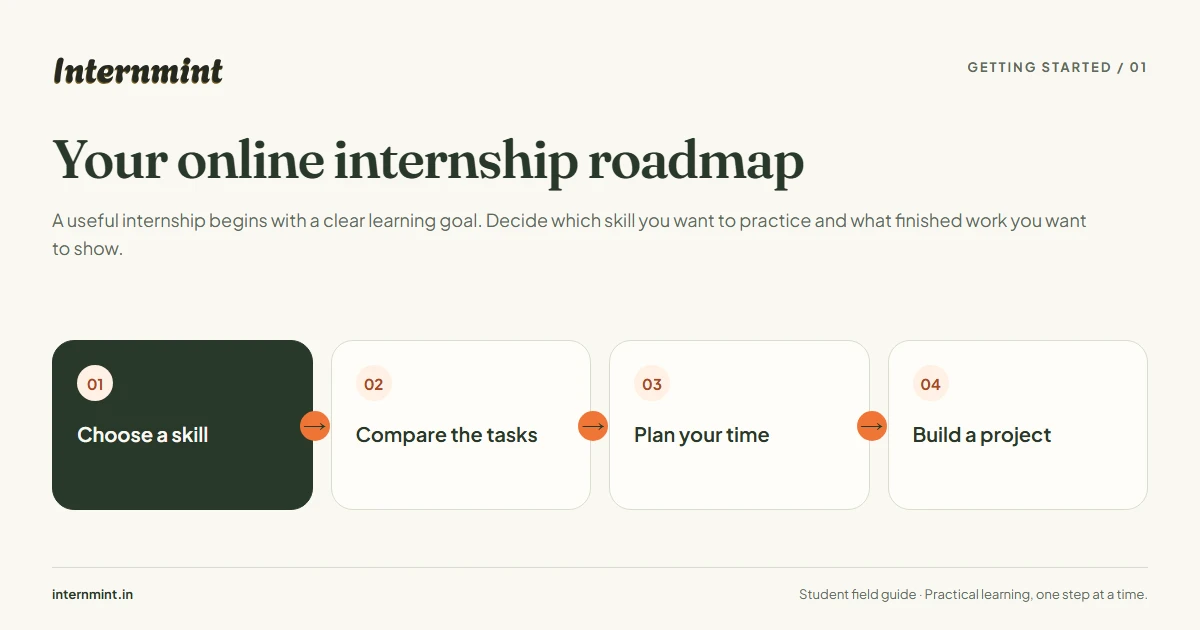
Your online internship roadmap
A useful internship begins with a clear learning goal. Decide which skill you want to practice and what finished work you want to show.
Getting started
Choose a skill
Compare the tasks
Plan your time
Build a project
Open the curriculum before enrolling. Write down one achievable project outcome, the tools you need and the hours you can commit each week. Keep your finished work and learning notes together.
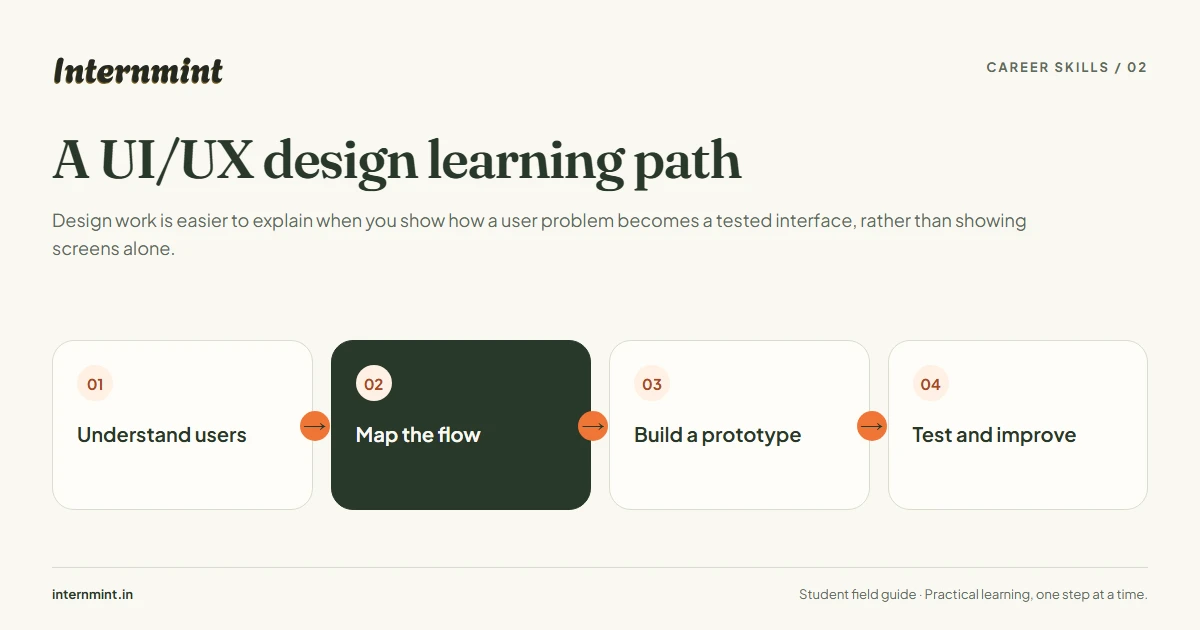
Design work is easier to explain when you show how a user problem becomes a tested interface, rather than showing screens alone.
Career skills
Understand users
Map the flow
Build a prototype
Test and improve
Practice with a small product flow, such as signing up or finding a course. Record your assumptions, sketch alternatives and explain why you changed the design after feedback. This is a learning example; check your selected program for its assigned tasks.
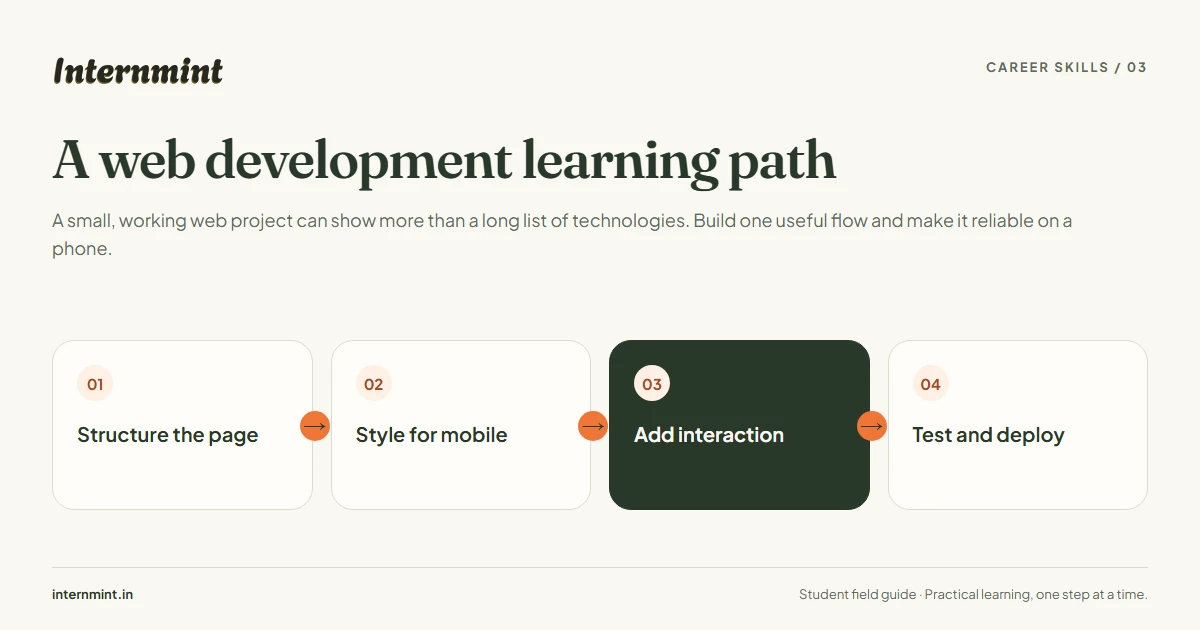
A small, working web project can show more than a long list of technologies. Build one useful flow and make it reliable on a phone.
Career skills
Structure the page
Style for mobile
Add interaction
Test and deploy
Start with semantic HTML and accessible form labels. Add responsive styles, then validate inputs and handle loading and error states. Test keyboard use, small screens and broken links before sharing your project.
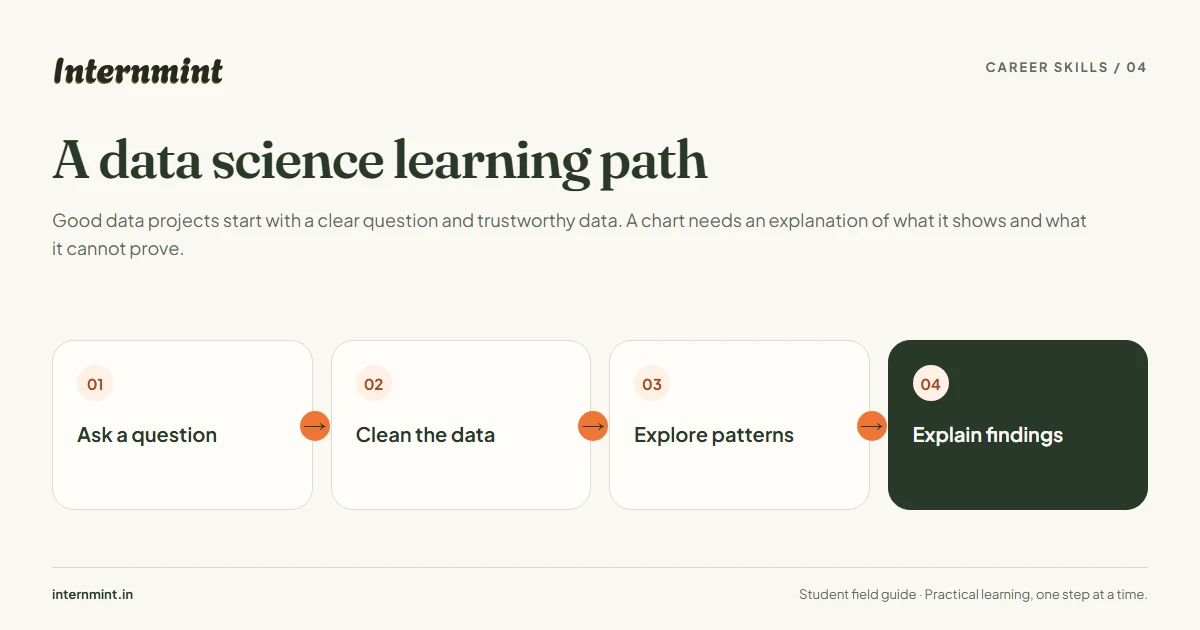
Good data projects start with a clear question and trustworthy data. A chart needs an explanation of what it shows and what it cannot prove.
Career skills
Ask a question
Clean the data
Explore patterns
Explain findings
Choose a small public dataset, document missing values and check units before analysis. Separate observations from assumptions. Include a reproducible notebook and explain limitations instead of making unsupported predictions.
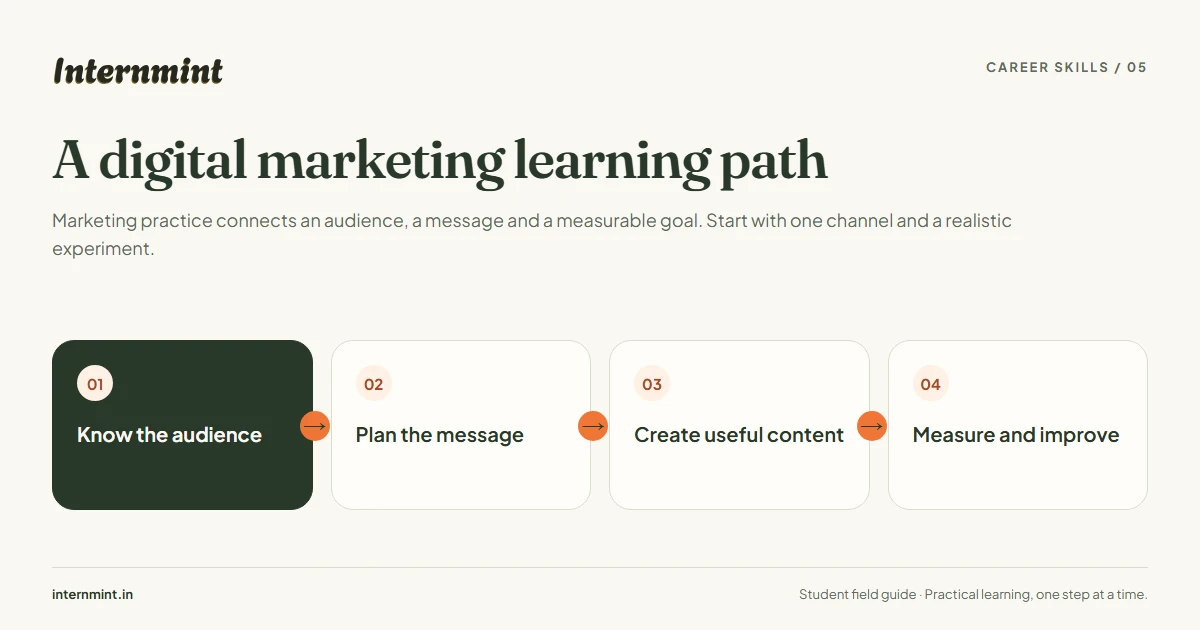
Marketing practice connects an audience, a message and a measurable goal. Start with one channel and a realistic experiment.
Career skills
Know the audience
Plan the message
Create useful content
Measure and improve
Define the intended reader and one action you want them to take. Draft a content plan, review claims for accuracy and choose a suitable metric. Compare results over time; impressions alone do not prove a sale or a successful campaign.
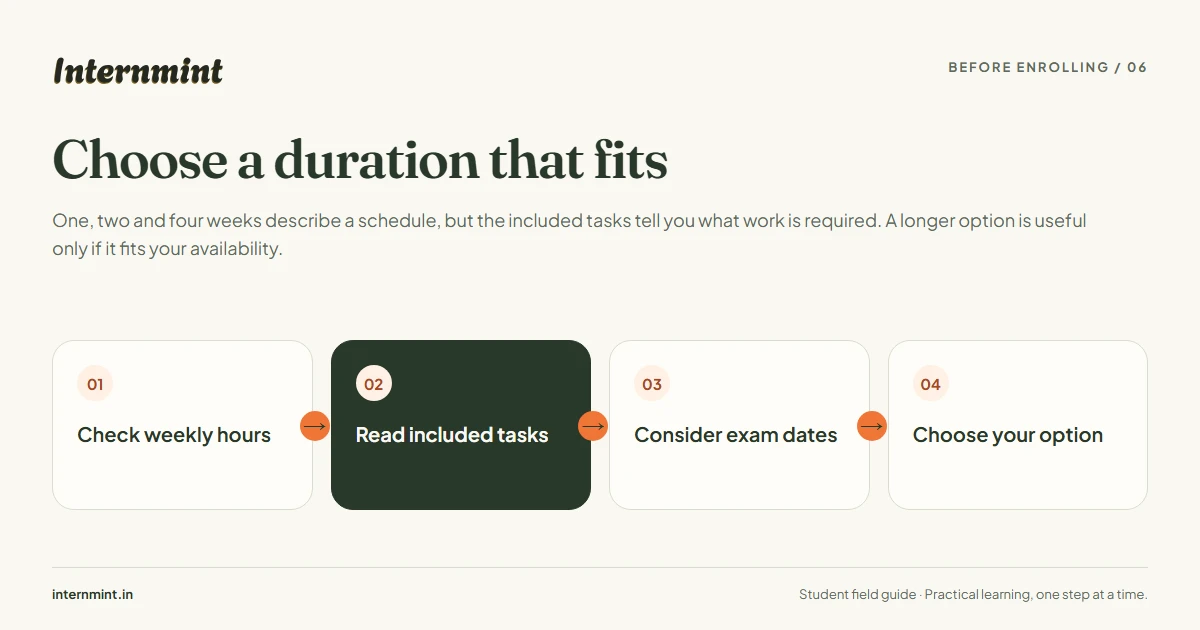
One, two and four weeks describe a schedule, but the included tasks tell you what work is required. A longer option is useful only if it fits your availability.
Before enrolling
Check weekly hours
Read included tasks
Consider exam dates
Choose your option
Compare the task summary on each enabled duration card. Plan time for revisions as well as first drafts. Duration options and prices are set by the program administrator; this guide does not guarantee that every program offers the same choices.
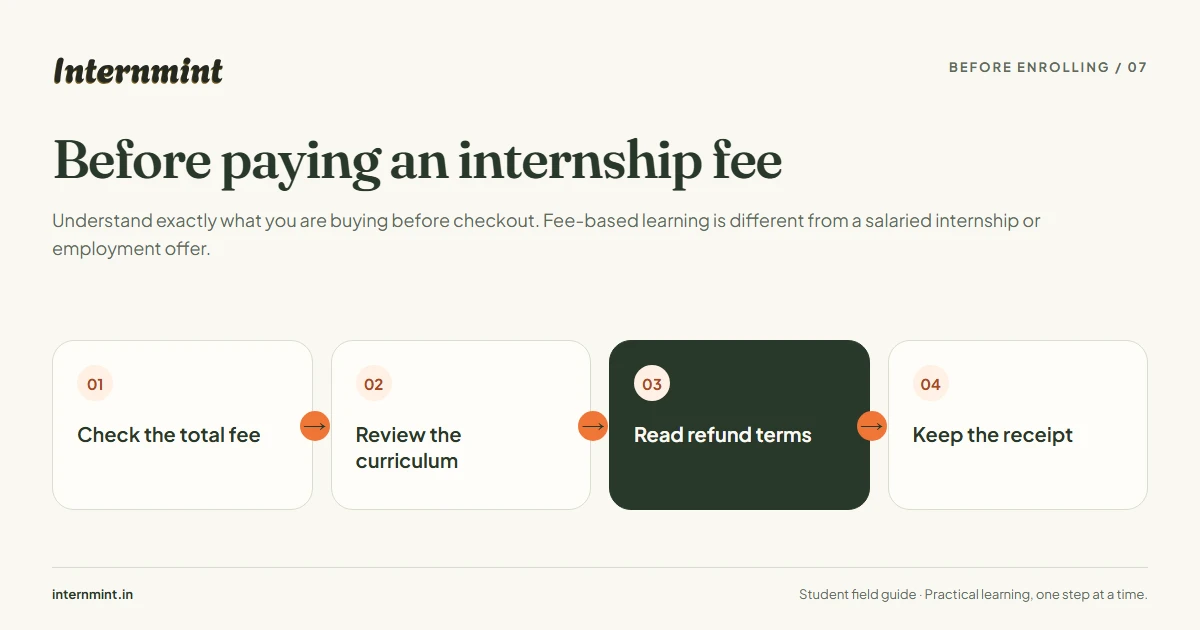
Understand exactly what you are buying before checkout. Fee-based learning is different from a salaried internship or employment offer.
Before enrolling
Check the total fee
Review the curriculum
Read refund terms
Keep the receipt
Review the selected duration, included tasks, support arrangements and completion rules. Ask support about anything unclear before paying. InternMint learning programs do not promise a stipend, salary or job placement.
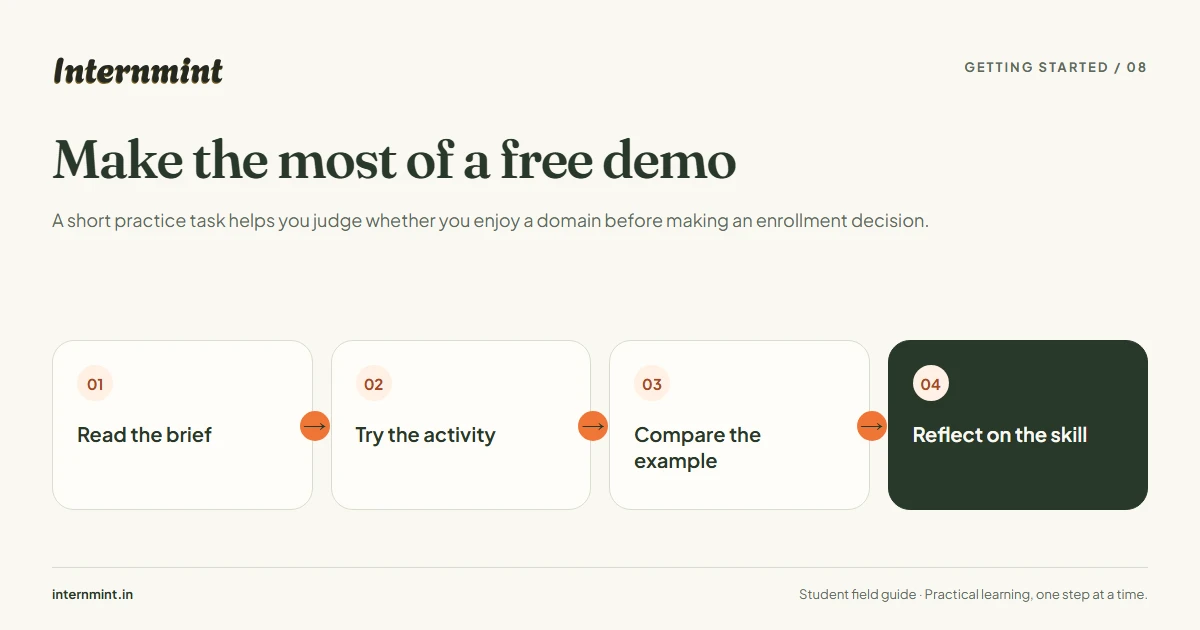
A short practice task helps you judge whether you enjoy a domain before making an enrollment decision.
Getting started
Read the brief
Try the activity
Compare the example
Reflect on the skill
Set aside the suggested time, write your own answer first and then use the sample to spot gaps. A demo is practice; it does not include a certificate or mentor review. Check the program page for available demo activities.
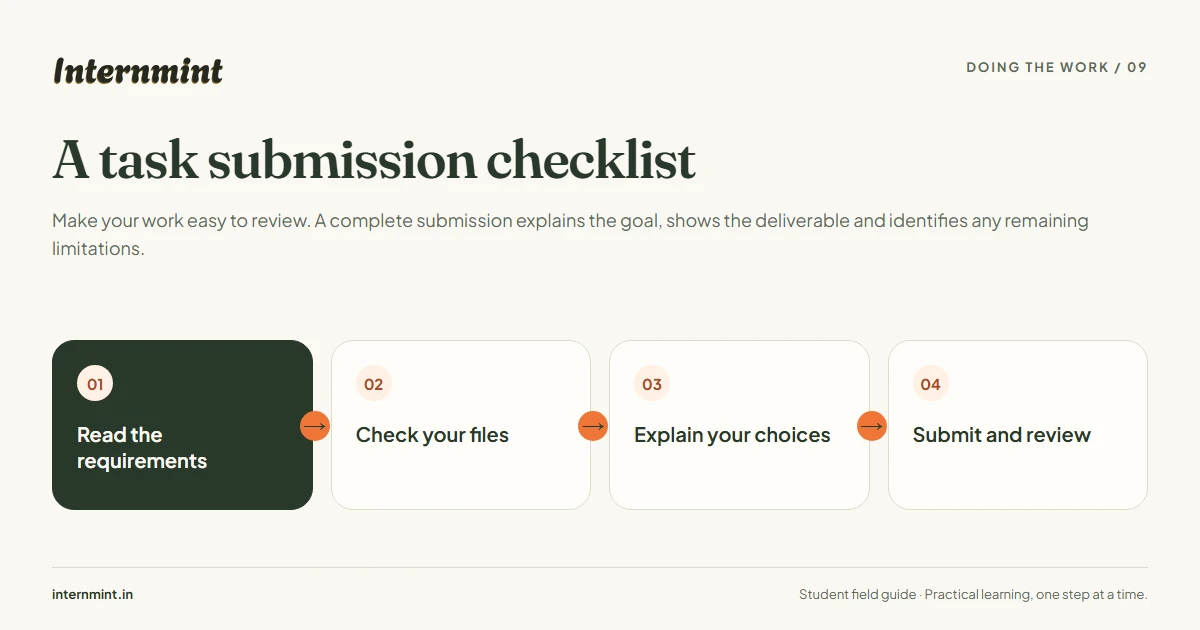
Make your work easy to review. A complete submission explains the goal, shows the deliverable and identifies any remaining limitations.
Doing the work
Read the requirements
Check your files
Explain your choices
Submit and review
Match each instruction to a visible part of your deliverable. Use descriptive filenames and working links with appropriate access. Save your notes and keep the submitted version so you can track changes after review.
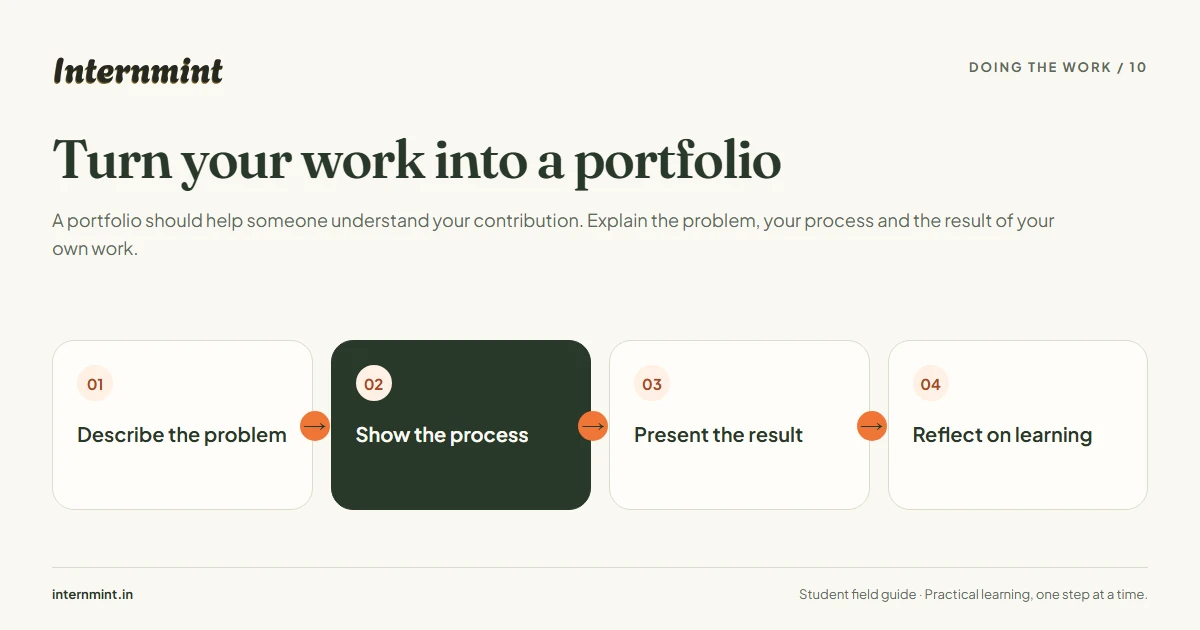
A portfolio should help someone understand your contribution. Explain the problem, your process and the result of your own work.
Doing the work
Describe the problem
Show the process
Present the result
Reflect on learning
Select a few strong projects rather than uploading everything. Show drafts and key decisions, credit collaborators and avoid exposing confidential or personal data. Describe actual outcomes without claiming results you did not measure.
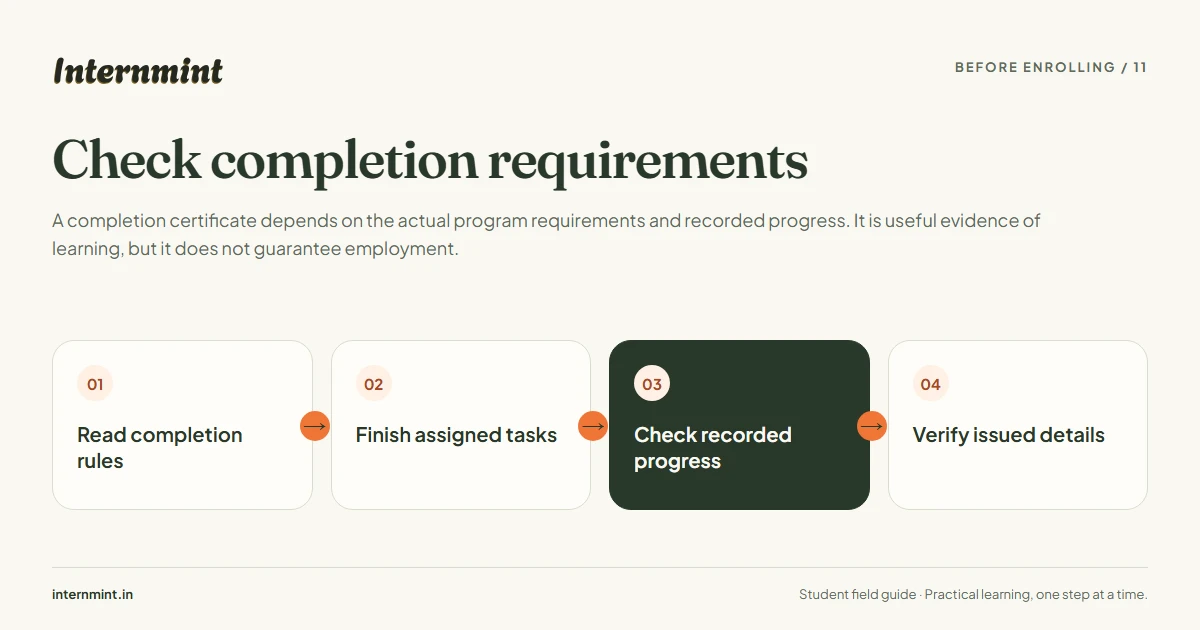
A completion certificate depends on the actual program requirements and recorded progress. It is useful evidence of learning, but it does not guarantee employment.
Before enrolling
Read completion rules
Finish assigned tasks
Check recorded progress
Verify issued details
Use the tasks assigned to your purchased duration as your checklist. Resolve incomplete work and review feedback before requesting documents. After issuance, check your name and program details and use the certificate verification page to confirm authenticity.
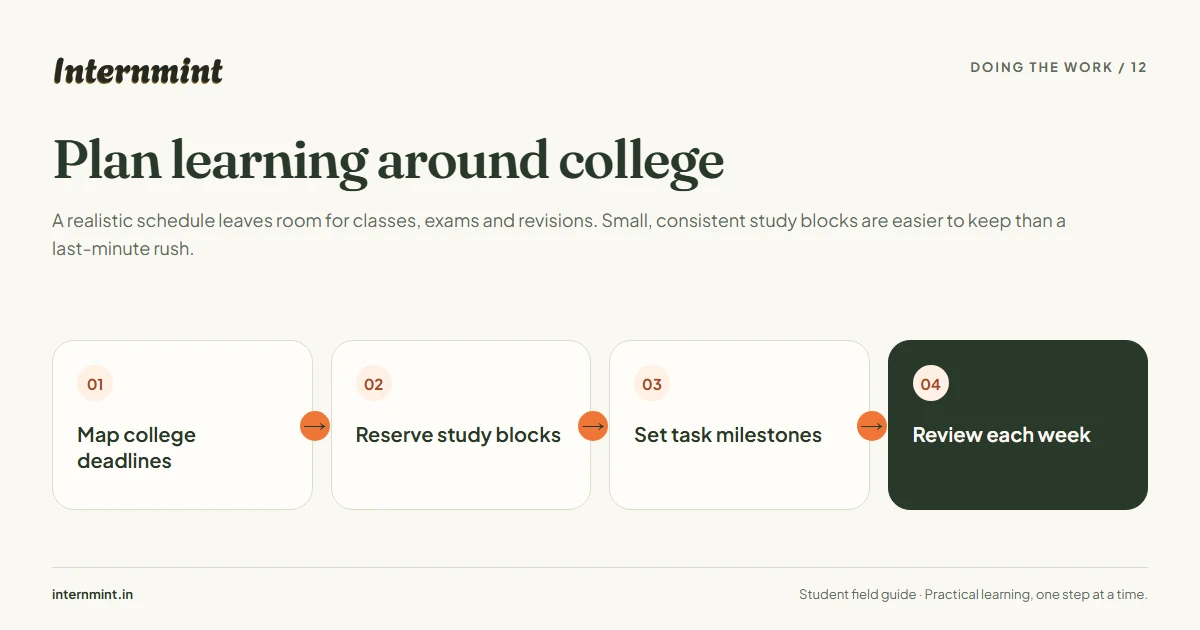
A realistic schedule leaves room for classes, exams and revisions. Small, consistent study blocks are easier to keep than a last-minute rush.
Doing the work
Map college deadlines
Reserve study blocks
Set task milestones
Review each week
Estimate the effort for the actual assigned tasks before committing. Schedule a short weekly review and leave a buffer for unexpected delays. Confirm any college-specific internship documentation requirements with your institution.
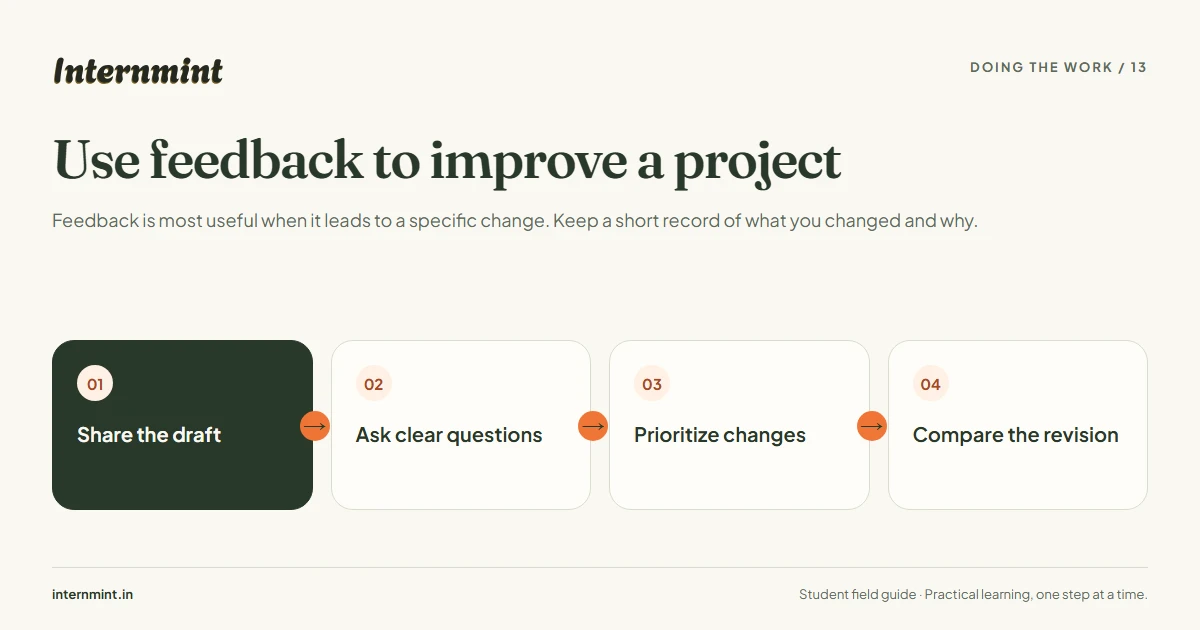
Feedback is most useful when it leads to a specific change. Keep a short record of what you changed and why.
Doing the work
Share the draft
Ask clear questions
Prioritize changes
Compare the revision
Ask about one or two concrete issues, such as navigation clarity or a failing test. Group feedback into required fixes and optional improvements. Review your selected program for available support; this diagram does not promise mentor review for every activity.
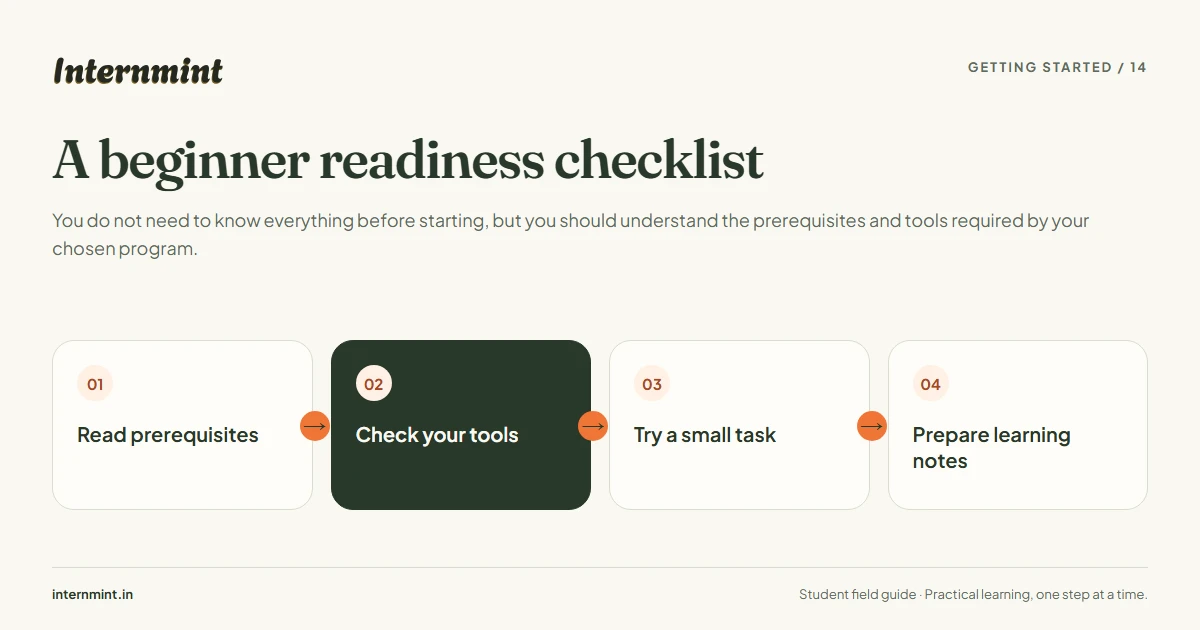
You do not need to know everything before starting, but you should understand the prerequisites and tools required by your chosen program.
Getting started
Read prerequisites
Check your tools
Try a small task
Prepare learning notes
Check the stated level, eligibility, device and software requirements on the program page. Try a beginner exercise in that domain and list what you found difficult. Contact support if you are unsure whether the program matches your current skills.
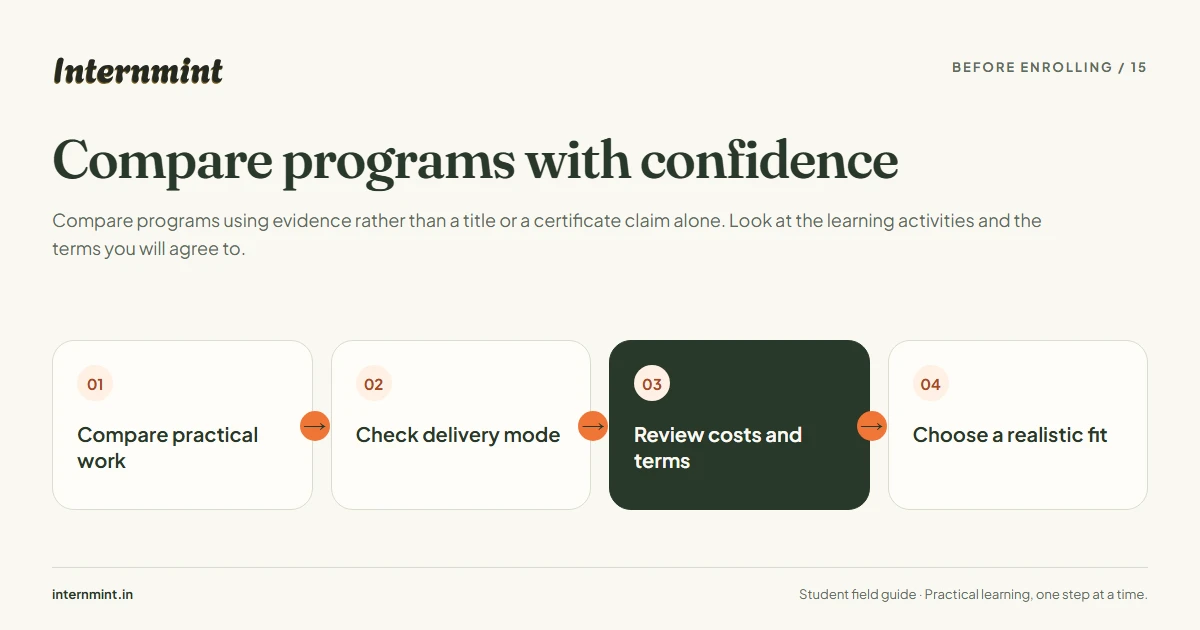
Compare programs using evidence rather than a title or a certificate claim alone. Look at the learning activities and the terms you will agree to.
Before enrolling
Compare practical work
Check delivery mode
Review costs and terms
Choose a realistic fit
Review the curriculum, enabled duration options, fee, remote or hybrid mode and completion requirements side by side. Save the selected option details and receipt after purchase. Choose a program whose work supports your learning goal.